| forgit.plugin.sh | ||
| forgit.plugin.zsh | ||
| LICENSE | ||
| README.md | ||

forgit

forgit is a utility tool for git taking advantage of fuzzy finder fzf.
Installation
Make sure you have fzf installed.
Try Online
Run following command in your shell to try forgit without installing(for both bash and zsh):
source <(curl -Ss https://raw.githubusercontent.com/wfxr/forgit/master/forgit.plugin.zsh)
Zplug
zplug 'wfxr/forgit'
Zgen
zgen load wfxr/forgit
Antigen
antigen bundle wfxr/forgit
Manually
Download and source forgit.plugin.zsh or forgit.plugin.sh in your shell config.
Commands
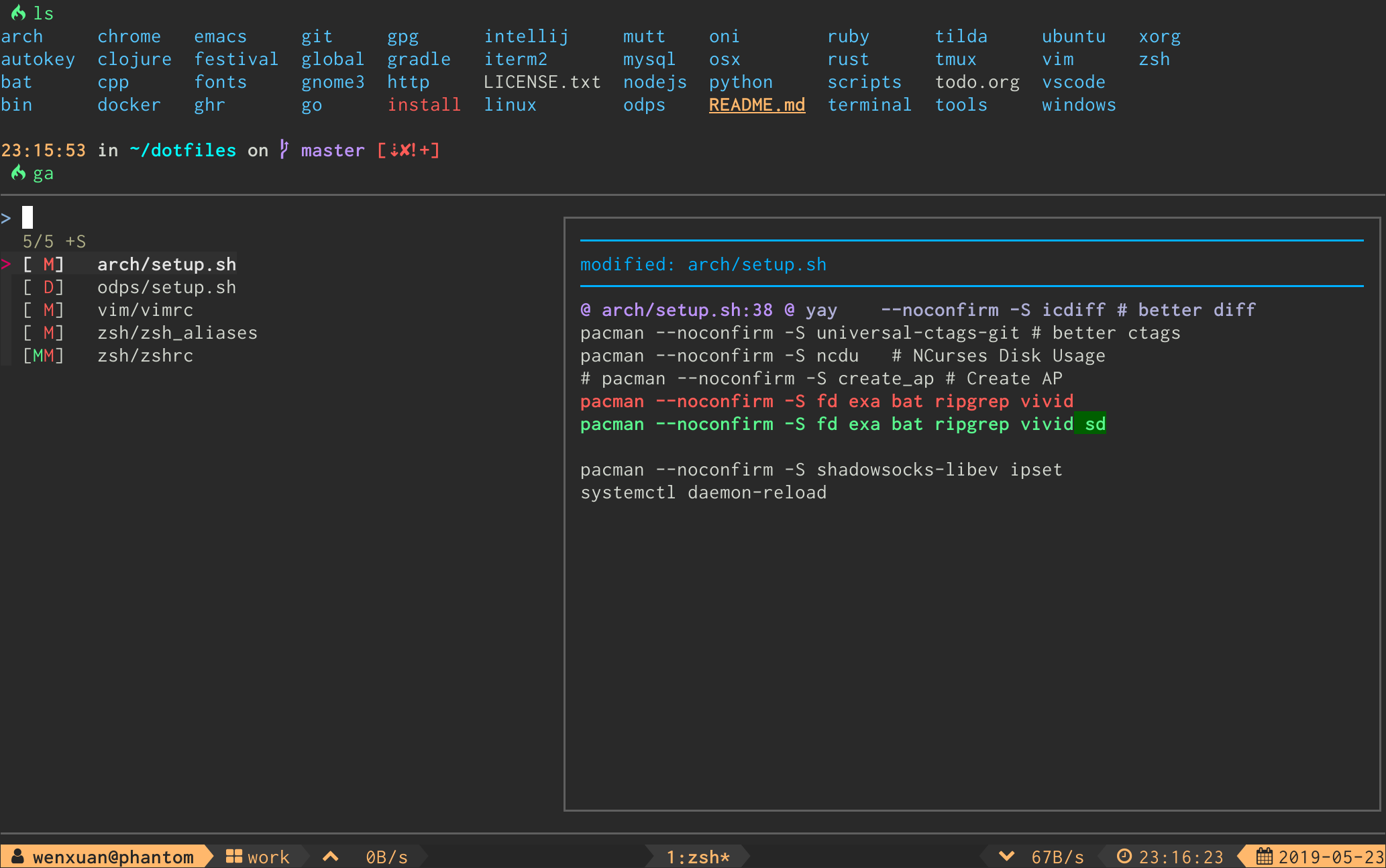
ga
Interactive git add selector
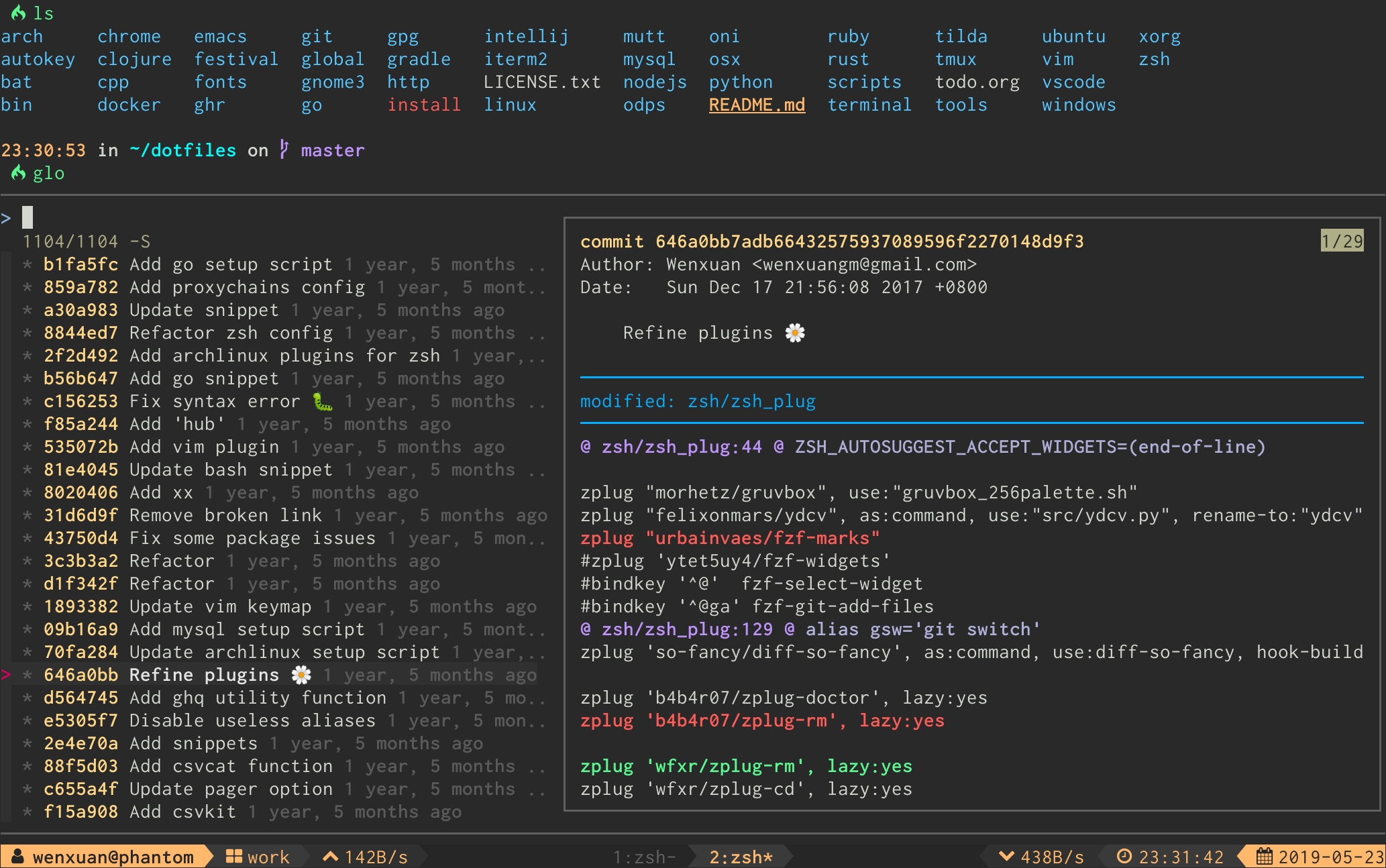
glo
Interactive git log viewer
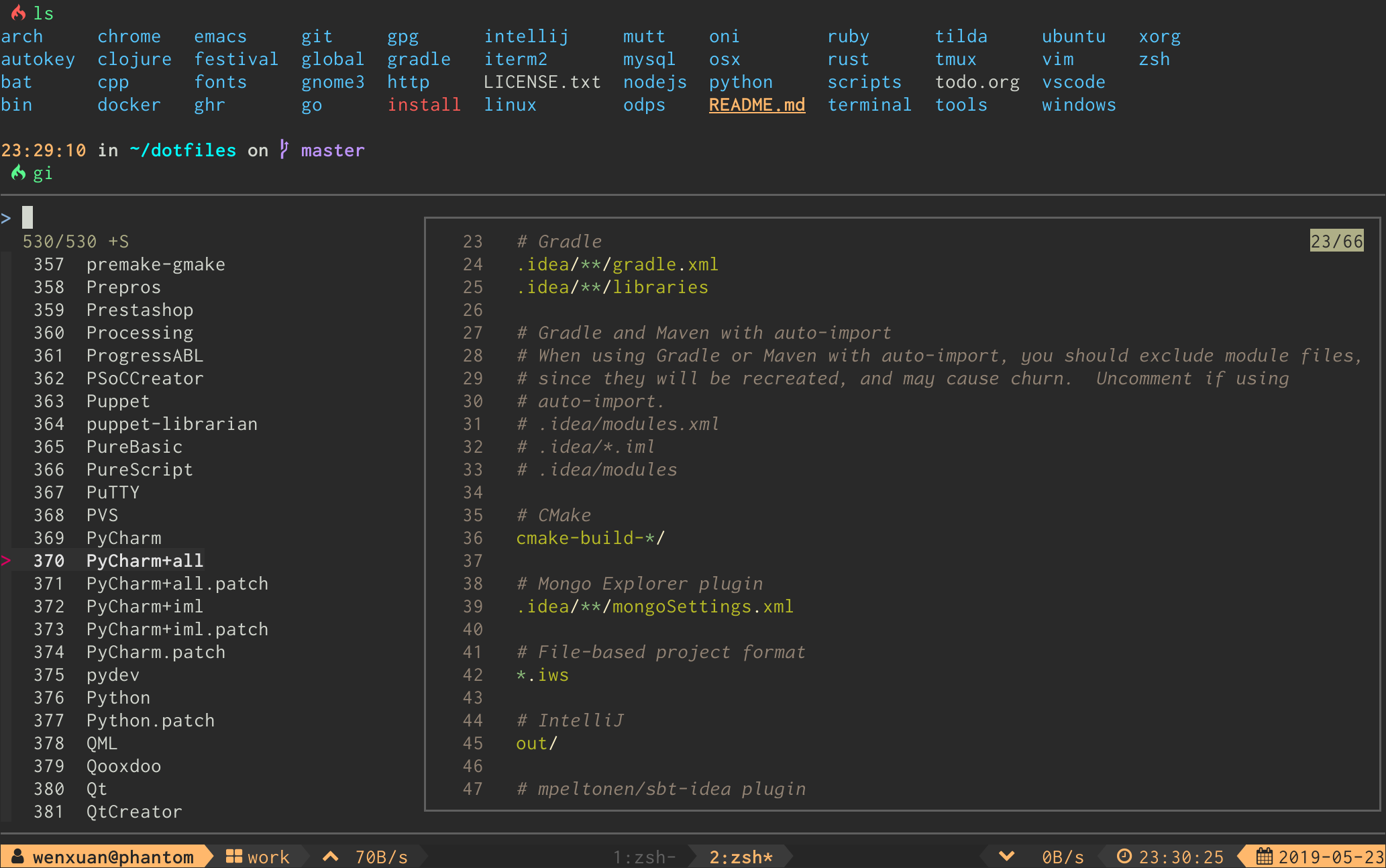
gi
Interactive .gitignore generator
gd
Interactive git diff viewer
gcf
Interactive git checkout <file> selector
gss
Interactive git stash viewer
gclean
Interactive git clean selector
Default keybinds
| Keybind | Action |
|---|---|
<Enter> |
Confirm |
<Tab> |
Toggle mark |
<C-k/p> |
Selection up |
<C-j/n> |
Selection down |
<A-k/p> |
Preview up |
<A-j/n> |
Preview down |
<A-w> |
Toggle preview wrap |
<?> |
Toggle preview window |
<C-r> |
Toggle selection |
<C-s> |
Toggle sort |
Custom options
You can change the default aliases by defining these variables below.
(To disable all aliases, Set the FORGIT_NO_ALIASES flag.)
# Define them before sourcing the plugin if you don't use any plugin manager.
forgit_log=glo
forgit_diff=gd
forgit_add=ga
forgit_ignore=gi
forgit_restore=gcf
forgit_clean=gclean
forgit_stash_show=gss
You can add custom fzf options for forgit, including keybinds, layout, etc.
(No need to repeat the options already defined in FZF_DEFAULT_OPTS)
FORGIT_FZF_DEFAULT_OPTS="
--exact
--border
--cycle
--reverse
--height '80%'
"
Optional
-
diff-so-fancy: Improve thegit diffoutput. -
bat: Syntex highlight forgitignore. -
emoji-cli: Emoji support forgit log.
Tips
- Hit
qto quit from full screen preview any time. - Commands like
glo,gd,gcfandgcleanaccept path arguments to restrain the items listed in fzf(eg,glo main.go test.go,gclean output/). - Call
giwith arguments to get the wanted.gitignorecontents directly(eg,gi cmake c++).
License
MIT (c) Wenxuan Zhang